
GymMaster Gym Software Manual
Member Portal
Allow members online access to their account and membership details, bookings, communication history and workout plans
- Allow Member Access
- Setup Portal Billing
- Allow Sign Up Online
- Allow Bookings via Portal
- Allow Cancellations via Portal
- Post Club Notices in Portal
- Portal Communication
- Allow Member Holds via Portal
- Customize How Portal Looks Online
- Configuration Summary
- Frequently Asked Questions
- Setup Member App
Payment
Note that GymMaster does not store billing details such as credit card numbers and expiry dates.
When a member adds a payment method, the details are sent directly to the billing provider, who store this data.
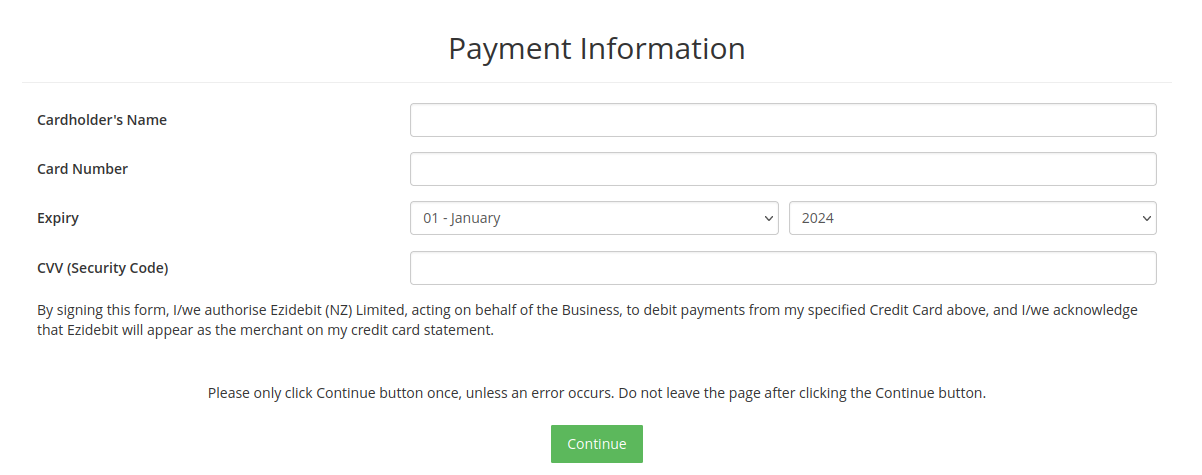
Members will be requested to provide their credit/debit details here, from which recurring payments can be drawn.
Payments are initiated by your Chosen Billing Provider, who will hold your members billing information.
Final Stage - Confirmation

 2026 © Treshna Enterprises Ltd.
