
GymMaster Gym Software Manual
Add Member
Details for all new, current, casual, expired members as well as prospects are stored on GymMaster
To Add Member, follow through these steps;
Emergency Contact
Note there are no required fields within this section
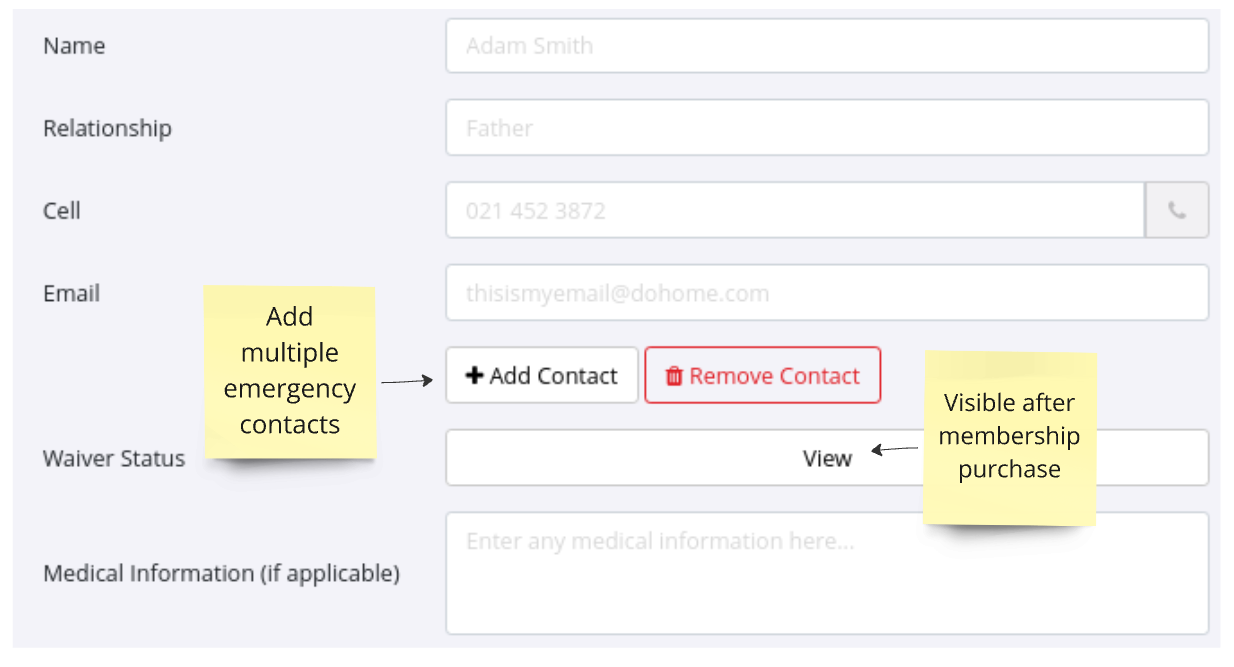
Complete following member details, as required by the club;
- Name
- Name of member’s emergency contact person
- Relationship
- How is the person named above related to member
- Cell
- Contact phone number for named emergency contact person
- Email
- Email for named emergency contact person
- Waiver Status
- Check to see which waivers this member has signed
- Visible only after membership has been purchased
- Medical Information

 2026 © Treshna Enterprises Ltd.
