
GymMaster Gym Software Manual
Tasks and Task Automation
Tasks are predefined actions or reminders that automate processes within GymMaster or prompt staff to perform specific actions.
Prospect
- No Action - default, no change to prospect status
- Set Not Interested - shift prospect to Not Interested Funnel Stage when event trigger occurs
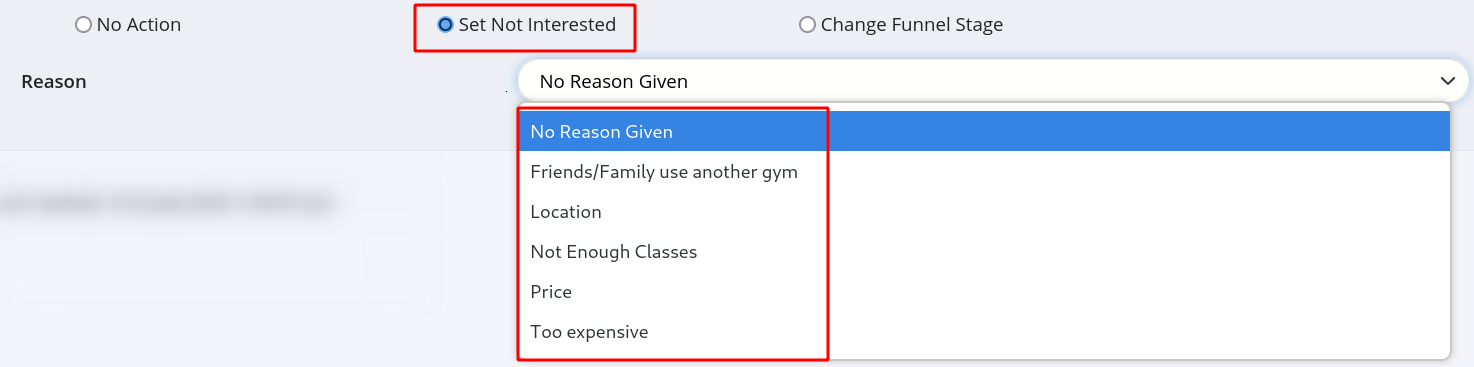
- Select reason given. To adjust reasons list, go to Prospect Not Interested Reasons
- Change Full Stage - shift prospect to specified Funnel Stage when event trigger occurs
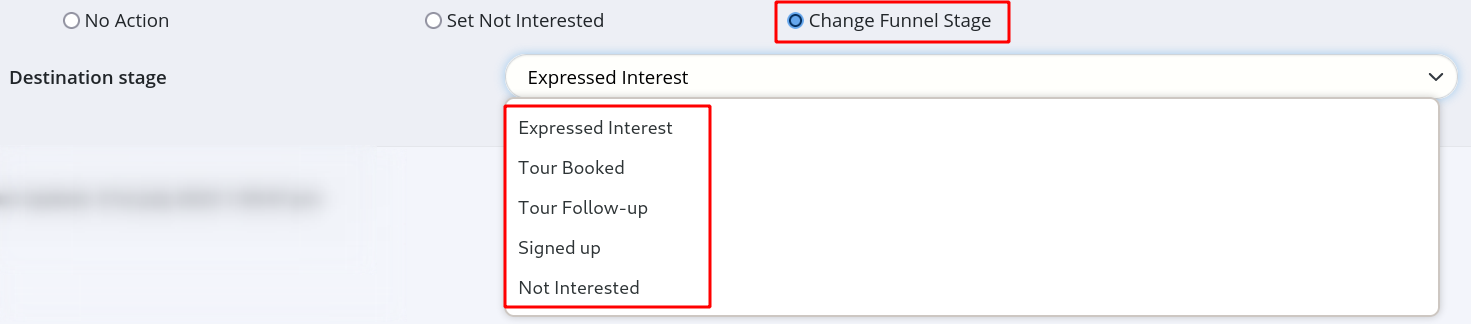
- Select new funnel stage. To adjust stages, go to Prospect Funnel Stages
Save Task Type
Add Task Type Complete
Next - Frequently Asked Questions

 2026 © Treshna Enterprises Ltd.
