
GymMaster Gym Software Manual
Member Page
Manual tasks related to members can be managed through the different tabs within each member’s page
- Accounts and Billing
- Bookings
- Communication
- Details
- Grading
- Memberships
- Side Menu
- Training
- Frequently Asked Questions
Stop on Owe
Prevent entry to club when fees are unpaid.
Define how long fees can be overdue, and by how much, before club entry is blocked.
Go to Settings > Advanced Configuration > Doors and Readers
Configure the following options;
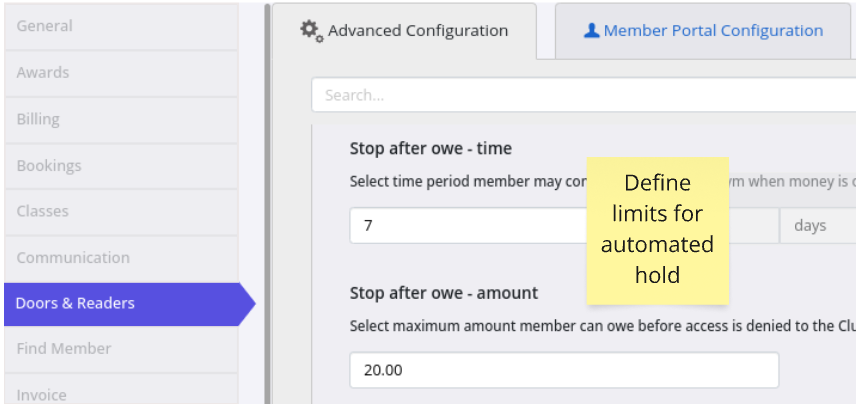
- Stop After Owe - Time
- Select maximum time period member can owe fees and maintain access to club
- After this period, access to club will be suspended.
Some time is required in the case of suspensions and handling delays for billing to occur
- Stop After Owe - Amount
- Select maximum amount member can owe fees and maintain access to club
- After this period, access to club and capcity to make bookings will be suspended
Next - Stop at Door

 2026 © Treshna Enterprises Ltd.