
GymMaster Gym Software Manual
Bookings and Classes
This is the back-end of your Schedule. Set up your facilities, staff / trainers, classes and services to allow them to be scheduled and booked
Trainer Categories
Trainer categories are added/removed automatically by the system based on whether there are staff members at a given club that are marked as trainers and/or sales representatives. You can adjust the settings on these categories to better suit your specific requirements.
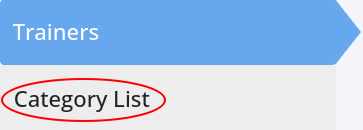
- Go to Settings > Bookings and Classes > Trainers > Category List
- Click on the black edit icon to change trainer category settings
- Note, the Period setting refers to the time blocks that will be displayed on your schedule. For instance, selecting 15 minutes would allow you to book a class or service to any Trainer within that Category every 15 minutes from the top of the hour (e.g., 12:00pm, 12:15pm, 12:30pm, and so on)

Next - Edit Trainers

 2026 © Treshna Enterprises Ltd.
