
GymMaster Gym Software Manual
Member App
The GymMaster Member App gives your members the ability to access the Member Portal via their smartphone or tablet.
- Enable Member Access
- Download Member App
- Login to Member App
- Customize How Member App Looks
- Frequently Asked Questions
Enable Member Access
Allow members access to Member App
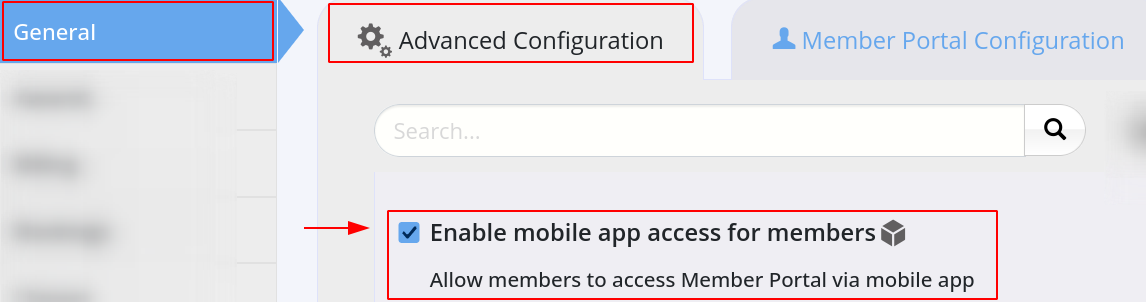
- Go to Settings > Advanced Configuration > General > Enable Mobile App Access For Members.
- This will allow members to access the Member Portal via the Member App
Please note that it may take up to an hour to sync with all your members
Once Member App access is enabled, members can Download Member App and use it to Access Member Portal
Next - Download

 2026 © Treshna Enterprises Ltd.