
GymMaster Gym Software Manual
Member App
The GymMaster Member App gives your members the ability to access the Member Portal via their smartphone or tablet.
- Enable Member Access
- Download Member App
- Login to Member App
- Customize How Member App Looks
- Frequently Asked Questions
Login to Member App
Once a member has signed up to your club, whether online or in person, they will be able to access the Member Portal.
They can login via their phone after Downloading the Member App on their smartphone or tablet.
- Login = email address used when signing up
- Password = password as entered during signup
If password is forgotten, members can use Forgot Password at bottom of login interface, then follow instructions to allow access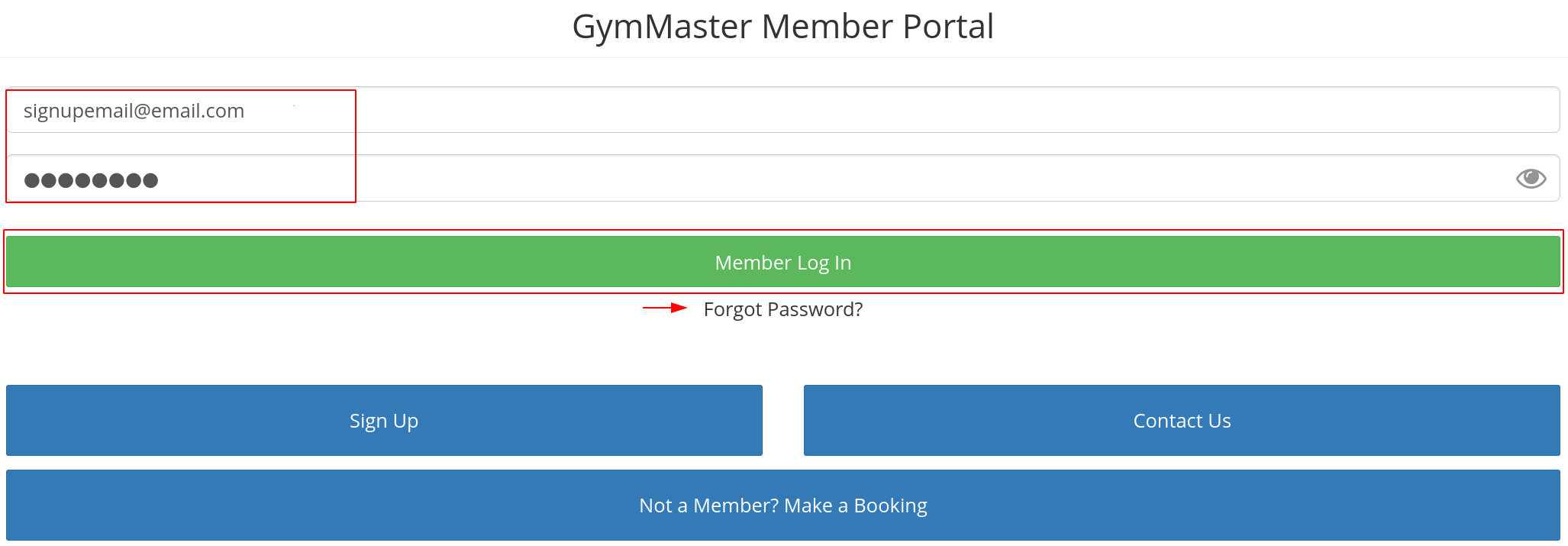
See Member Can’t Log In to troubleshoot login difficulties.

 2026 © Treshna Enterprises Ltd.
