
GymMaster Gym Software Manual
Forms and Waivers
Use forms to ensure necessary documentation is in place, while facilitating a smooth on-boarding process for new members.
- Form Types
- Create Forms
- Link Forms to Class / Service
- Link Forms to Membership
- Require Signature to Complete Membership
- Enable Questionnaire After Sign-up
- Save / View Member Forms
Paper Forms
Paper Forms can be manually added to the Communication Log
First, create a digital copy of completed paper Form; scan or take photo.
Name and save as file on computer.
Then;
- Go to Member Details > Communication tab
- Select +Add

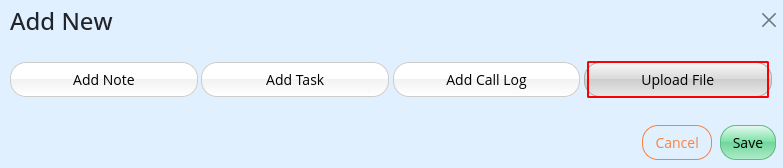
- Select Upload File
- Select file to upload
- Select +Add
- Save
Forms and Waivers Complete

 2026 © Treshna Enterprises Ltd.
