
GymMaster Gym Software Manual
Bookings and Classes
This is the back-end of your Schedule. Set up your facilities, staff / trainers, classes and services to allow them to be scheduled and booked
Class Categories
Class Categories allow you can divide your classes into logical groups, making them easier to manage and report on.
For example, if you have multiple yoga classes, you could create a ‘Yoga’ category and assign each yoga class to that category.
- Go to Category List via side menu under Classes
- Click on the Add Category button on the top right corner of Category List page
- Complete details
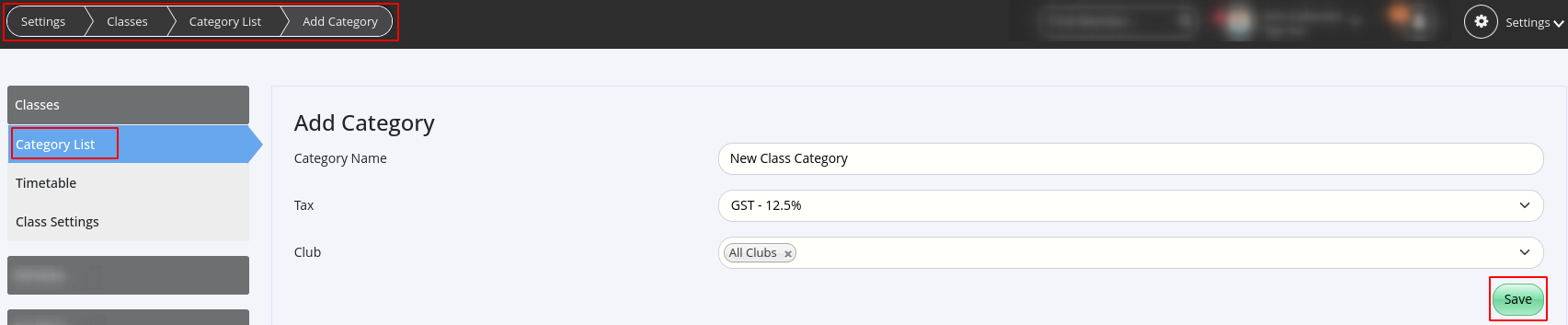
- Complete details
- Click on the Add Category button on the top right corner of Category List page
- Save
If you decide to use the default category provided, it’s a good idea to edit it to make sure it suits your needs.
Next - Add Classes

 2026 © Treshna Enterprises Ltd.