
GymMaster Gym Software Manual
Member Page
Manual tasks related to members can be managed through the different tabs within each member’s page
- Accounts and Billing
- Bookings
- Communication
- Details
- Memberships
- Side Menu
- Training
- Frequently Asked Questions
Custom Awards
Create any award you envision, noting that some awards will need to be assigned manually.
There are two custom award types that can be created; Task Awards and Manual Awards.
Task Awards
Task awards are applied when specific variables are met, such as member attending the club 100 times.
Activation of award is automatic, once matching Task is creating.
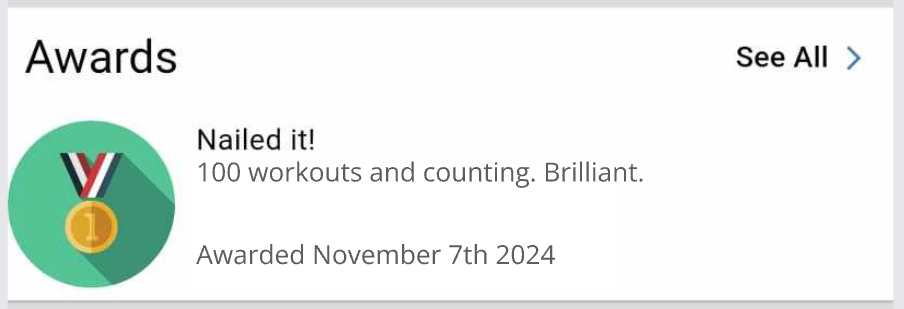
To create custom automated awards, you till need to;
- Create a custom Awards Template
- Create an automated Task to activate award template
Note, task award type are currently limited by task trigger options. We’re working to improve this system.
Manual Awards can be used, when Task Awards do not match trigger events
Manual Awards
Manually applied custom award types, unhindered by limitations within Tasks. Any intention for your award can be created and applied. As award may fall outside of what can currently be automated by Tasks, manual awards need to be added to member manually.
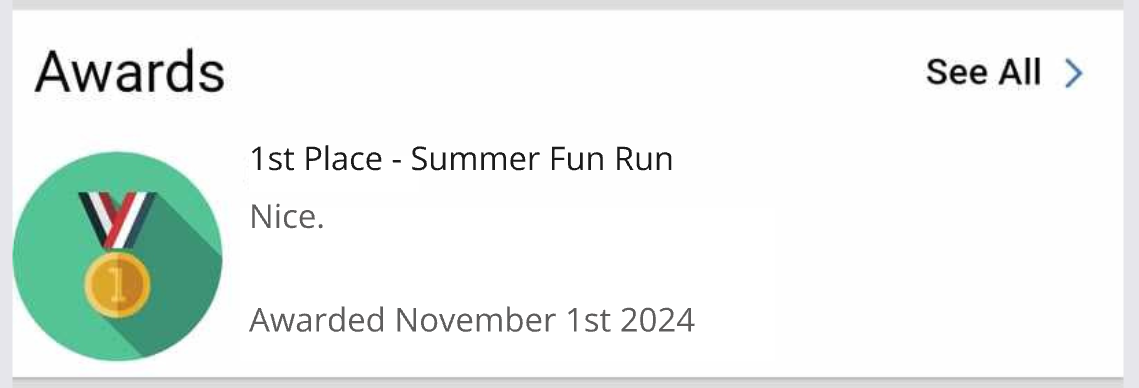
To create custom manual awards, you till need to;
- Create a custom Awards Template
- Add Award to member manually
Next - Custom Award Templates

 2026 © Treshna Enterprises Ltd.