
Setup Club Email Template Design
Create a branded email layout for all emails sent through GymMaster.
Your Club Email Template controls the visual design of the header, footer, colours, images, and overall styling of your emails.
By default all email templates sent through GymMaster will be displayed within this layout. You can opt out when sending individual emails.
Create Template Design
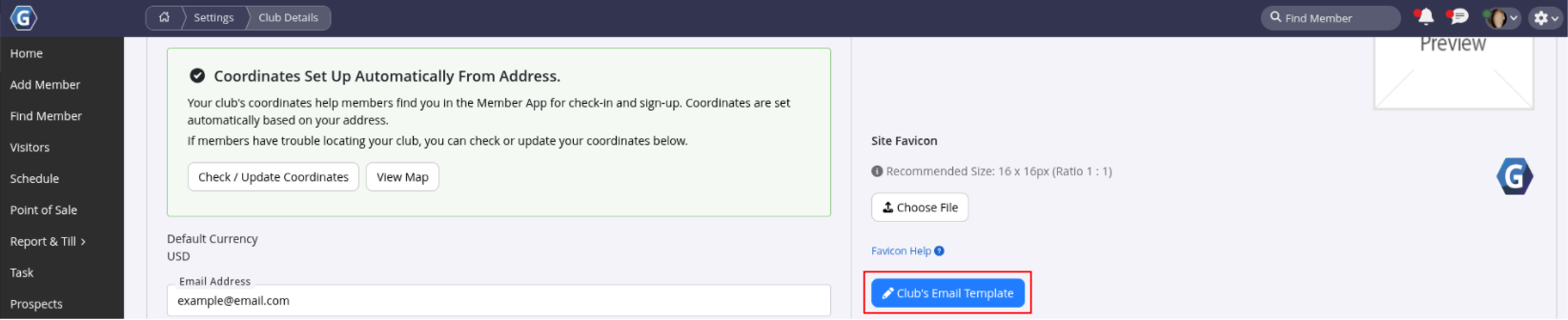
Begin by navigating to;
- Settings > Club Details > Logos and Other Graphics > Club’s Email Template
- Choose between a footer-only layout or a header and footer layout
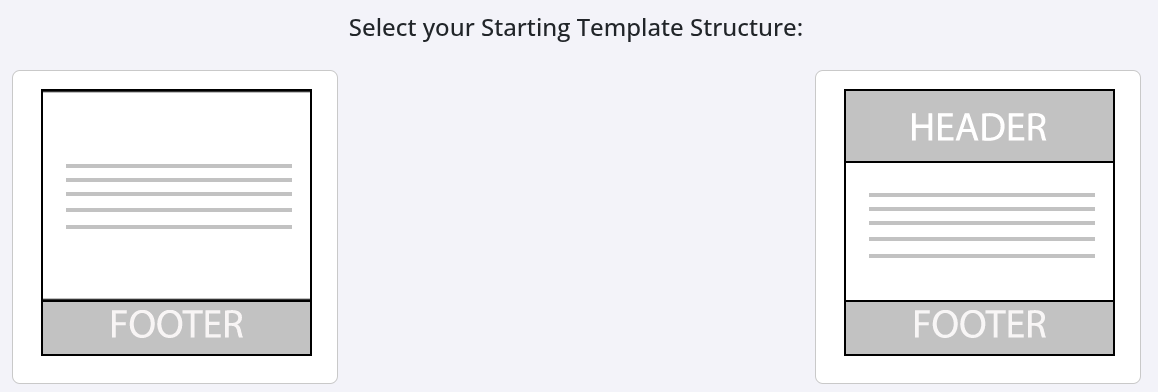
- Then customise the colours and content to match your facility branding.
Suggestions
- Add your club logo and business name to the header
- Include contact details, social links, or location information in the footer
- Add branded images or styling to create a more professional member experience
- Images must be resized before uploading
Email Body / Text
The BODY tag between your header and footer is where the content from your email templates will automatically appear.
Leave this tag in place so GymMaster can insert your message correctly when emails are sent.
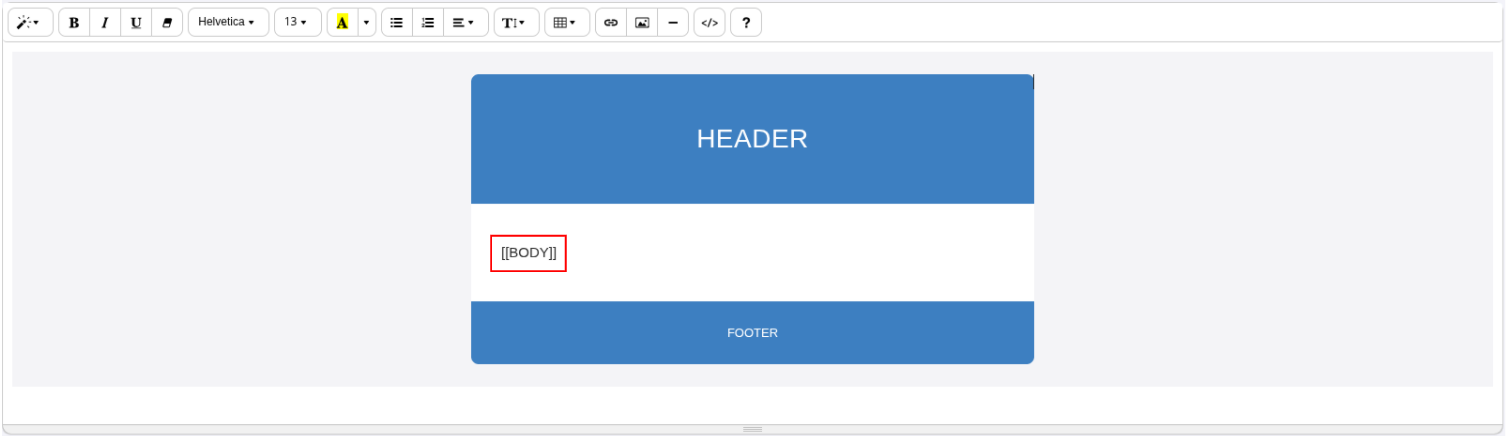
Text for individual emails is set under Settings > Templates.
Learn more about personalising templates.
For advanced customisation, the template can also be edited in Code View to create a fully custom email design.
Below is an example of a footer that we at GymMaster have used when emailing clients, using our own GymMaster email template system, edited in Code View.
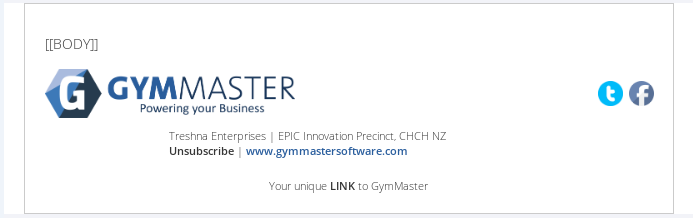
Unsubscribe Link
To choose where the unsubscribe link appears, add a link in your footer and use [[UNSUBSCRIBE]] (the word UNSUBSCRIBE in double square brackets) as the link address. GymMaster replaces the tag with each member’s own unsubscribe link.
If the tag isn’t in your template, GymMaster puts a “Click Here To Unsubscribe” link at the bottom of the email instead.
GymMaster adds the link to bulk emails sent to more than one member and to task automation emails. A one-off email from the member’s profile, a test email, or a report email sent to only one member has no unsubscribe link, and the tag is left empty. Learn more about how members unsubscribe.
Common Questions this Covers
- How to customise email design
- How to standardise how emails look
- How to add footer to email templates
- How to add header to email templates
- Where to put the unsubscribe link in emails

 2026 © Treshna Enterprises Ltd.